Choose a track for the speaking style
| Your video | Track | Use it for |
|---|---|---|
| Tutorial, review or step-by-step explanation | Presentation by Wouldliker | Start here when the spoken information carries the video. |
| Casual daily clip or travel diary | Vlog by Wouldliker | Try this when the voice is part of a routine or personal story. |
Set the music level under the voice
Set the level by listening to the selected recording and your voice. A single volume percentage won't fit every recording.
- Finish the narration first
Trim pauses and make the spoken track clear before adding music.
- Add the music underneath
Lower the music while listening to the full mix. Every sentence should be easy to follow.
- Check a phone speaker
Listen at normal phone volume. Lower the music further during quiet or detailed lines.
- Listen without watching the screen
Follow the spoken message without relying on captions. Check the opening, the quietest sentence and the ending.
Plan a 30-second tutorial
Use this as a visual and narration outline. Adjust the timing to the steps you need to explain.
- 0 to 3 seconds: show the task
Name what the viewer will learn and show the object or screen you'll use.
- 3 to 22 seconds: explain the steps
Show the action as you describe it. Cut when the instruction changes.
- 22 to 27 seconds: show the result
Give the viewer time to see the finished setting, product or process.
- 27 to 30 seconds: give one next step
Use a short final instruction and fade the music with the end of the clip.
Presentation in public posts
Track credits and rounded view counts supplied by Wouldliker. Each card shows its reporting date. Open the original post for its current count.
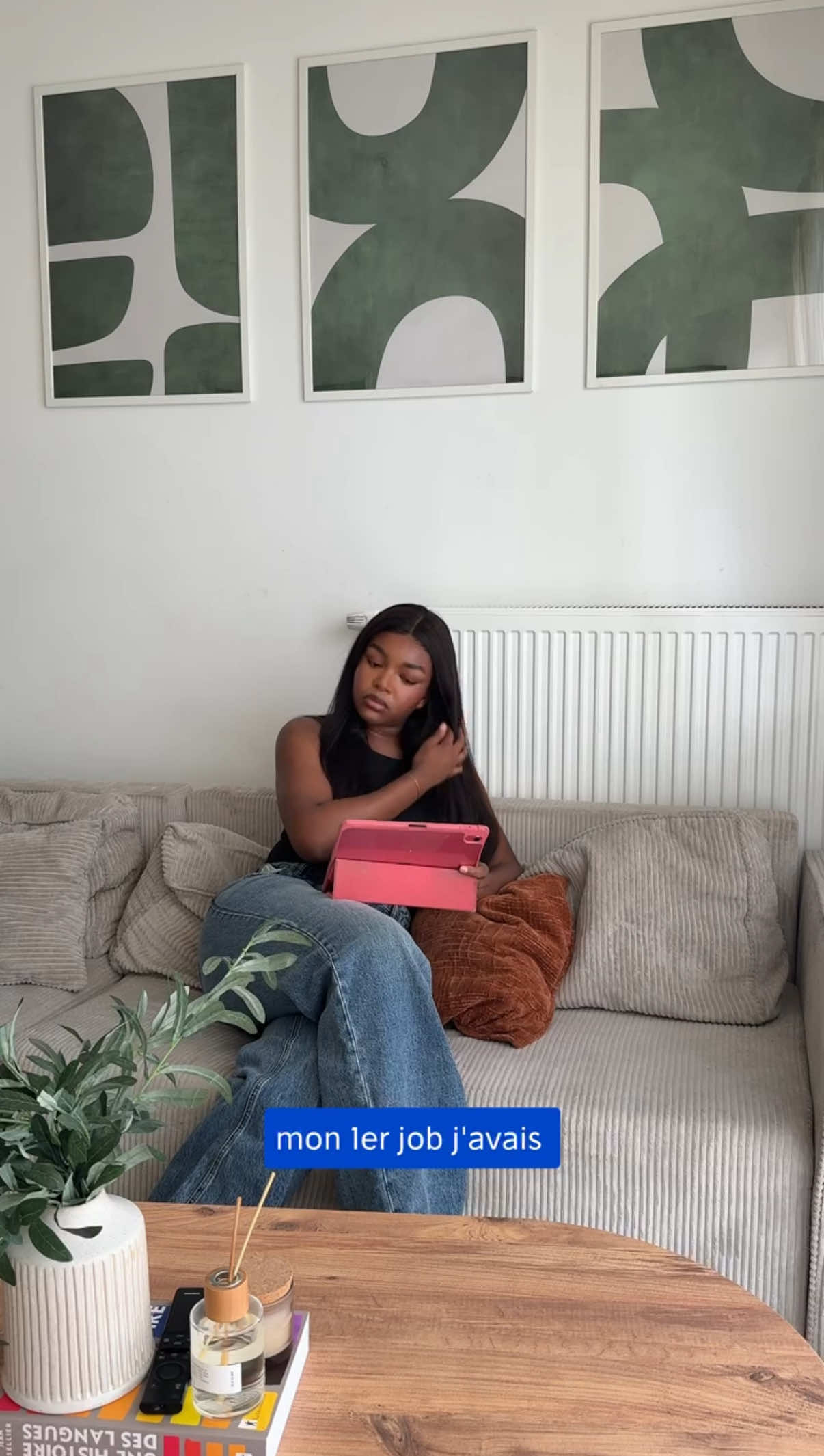
The examples show these tracks in use. See the original posts to inspect the video or photo format.
Find the selected track in CapCut
Search CapCut's native music library for "Presentation" by "wouldliker". Confirm the title, artist and version on the result card before adding it.
Availability can vary by account and region. Check the selected material's commercial permission and permitted publishing platforms for a brand project.
Check permission for the publishing platform
For a TikTok business post or ad, check the exact sound in the Commercial Music Library for your campaign region and placement. Eligible CML sounds can be used in organic and paid TikTok content.
For downloaded files, Reels, YouTube Shorts, Meta ads or client delivery, request written scope from Wouldliker. Include the track, platforms, countries, dates and paid media.